
REQUIREMENTS
Apple silicon · Art-Net · audio input
A Mac with an M1 chip or newer, any Art-Net interface on the network, and the sound of the venue on an input.
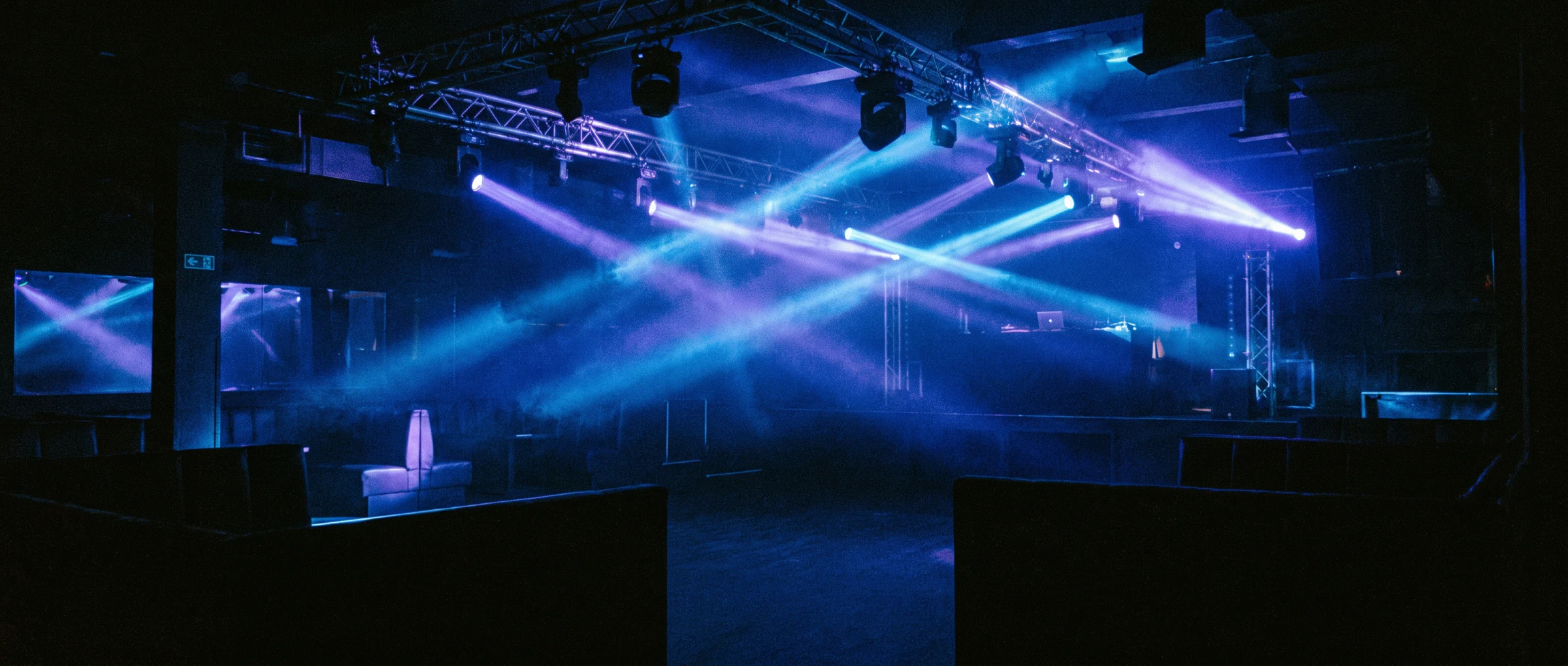
An application that listens to the music and drives your DMX lighting in real time - with the fixtures already in your venue.
That loop closes 86 times a second, all night, without anyone stepping in.
Tempo and beat from the audio input, accurate to a few milliseconds. No timecode, no MIDI clock, no tracklist.
Breakdown, mid, drop - named as they happen, with the dynamics chosen to match.
One sequence fires and describes the entire rig at once, so the whole venue moves as a single picture.
Nothing extra to buy. Every fixture in your venue that speaks DMX goes into the DMX patch and is driven by the system.
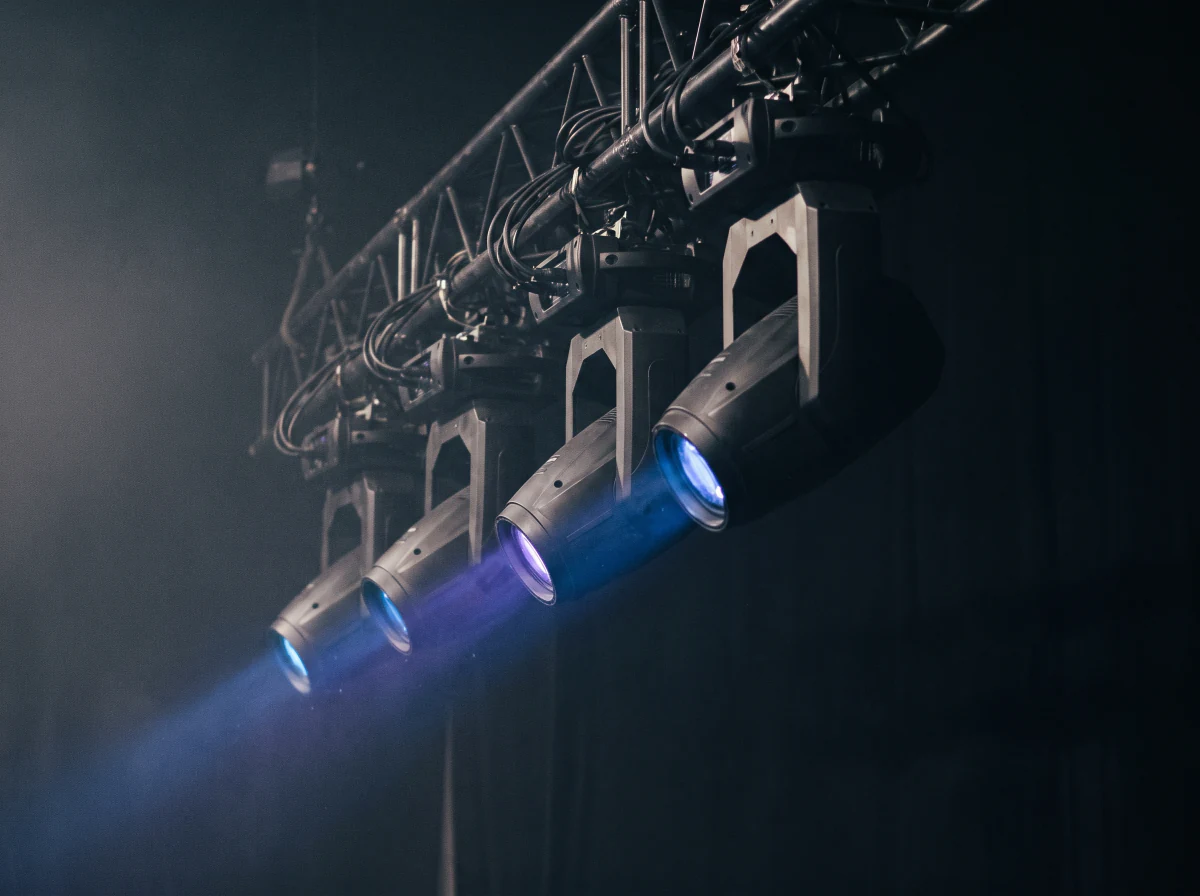
Picking a mode is not just swapping the sequences assigned to it. Above all it swaps the beat-detection algorithm, and that algorithm is different for every kind of music.
A four-on-the-floor kick, a broken drum & bass pattern and distorted schranz at 150–170 BPM are not read the same way. Each mode listens on its own terms.
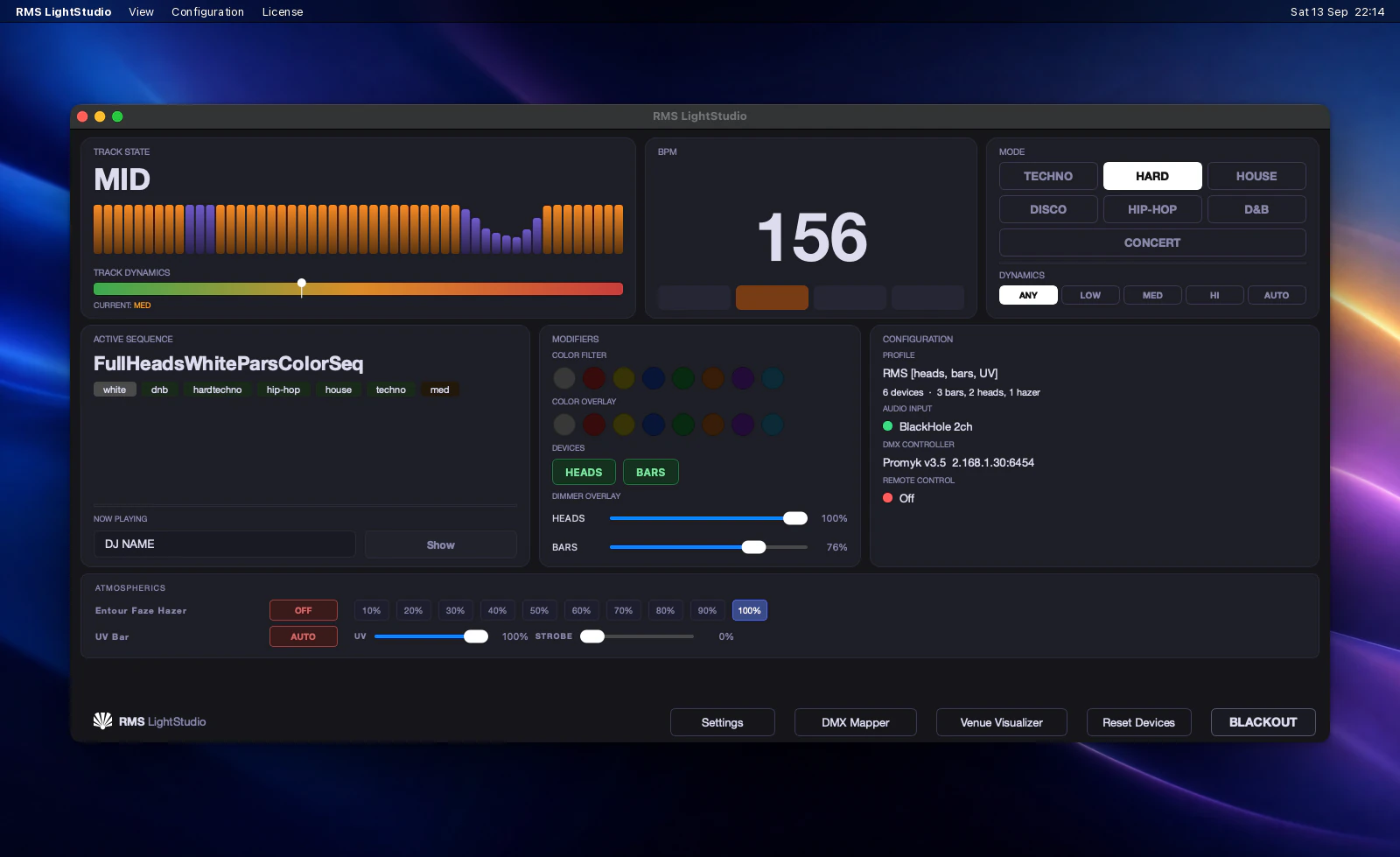
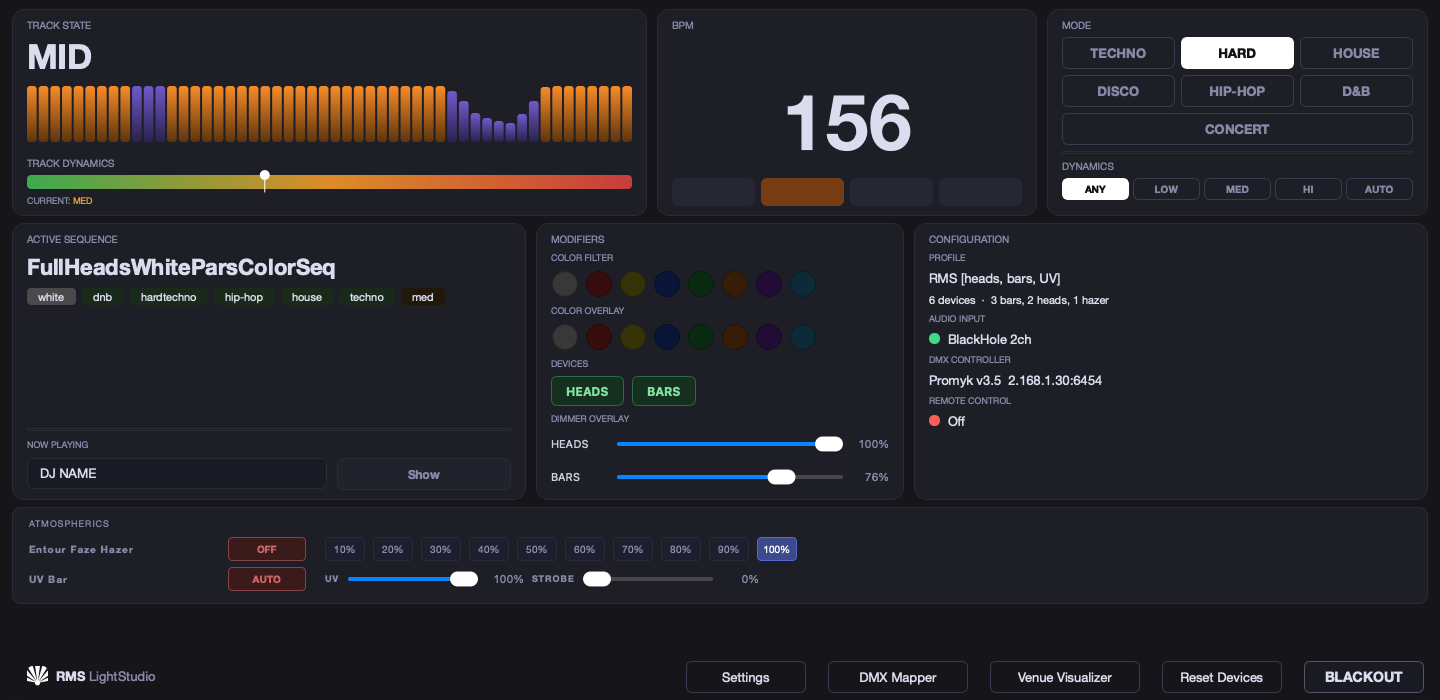
Four things you'll find below: what the app hears, where your fixtures are, how to take control in CONCERT mode and what the remote in your pocket looks like. Let's start with the first: this is where the app thinks out loud.
The analysis never stops: tempo locked to the beat, and the section of the track - breakdown, mid, drop - recognised the moment it appears. Each section has its own sequences, so moving into a new one turns the whole rig at once. The reading history covers the last few dozen measurements - it shows how the app hears the music.
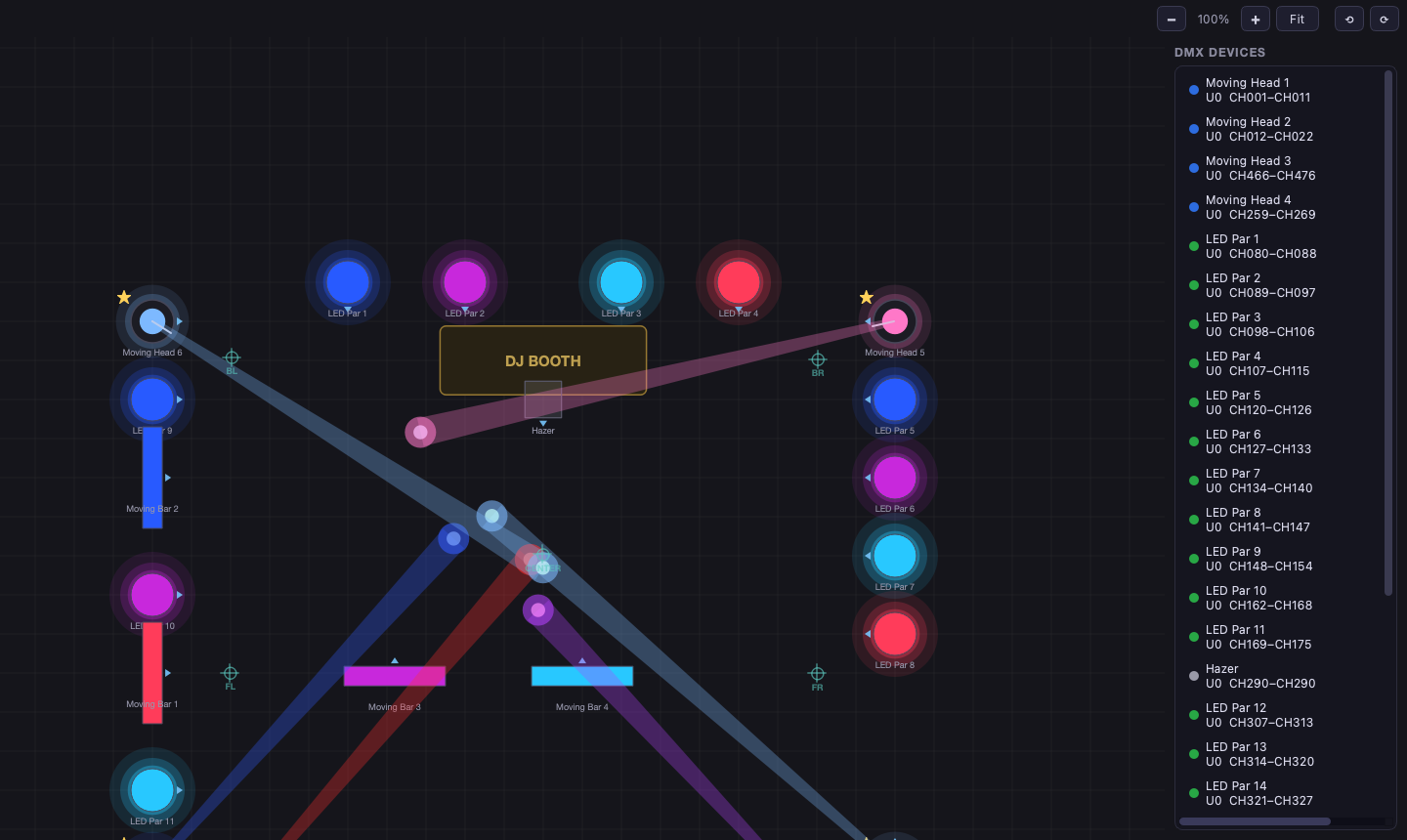
Fixtures sit on the plan where they stand in the venue, and the beams and colours show what is going out to the lights right now. Next to every device: its universe and channel range from the patch.
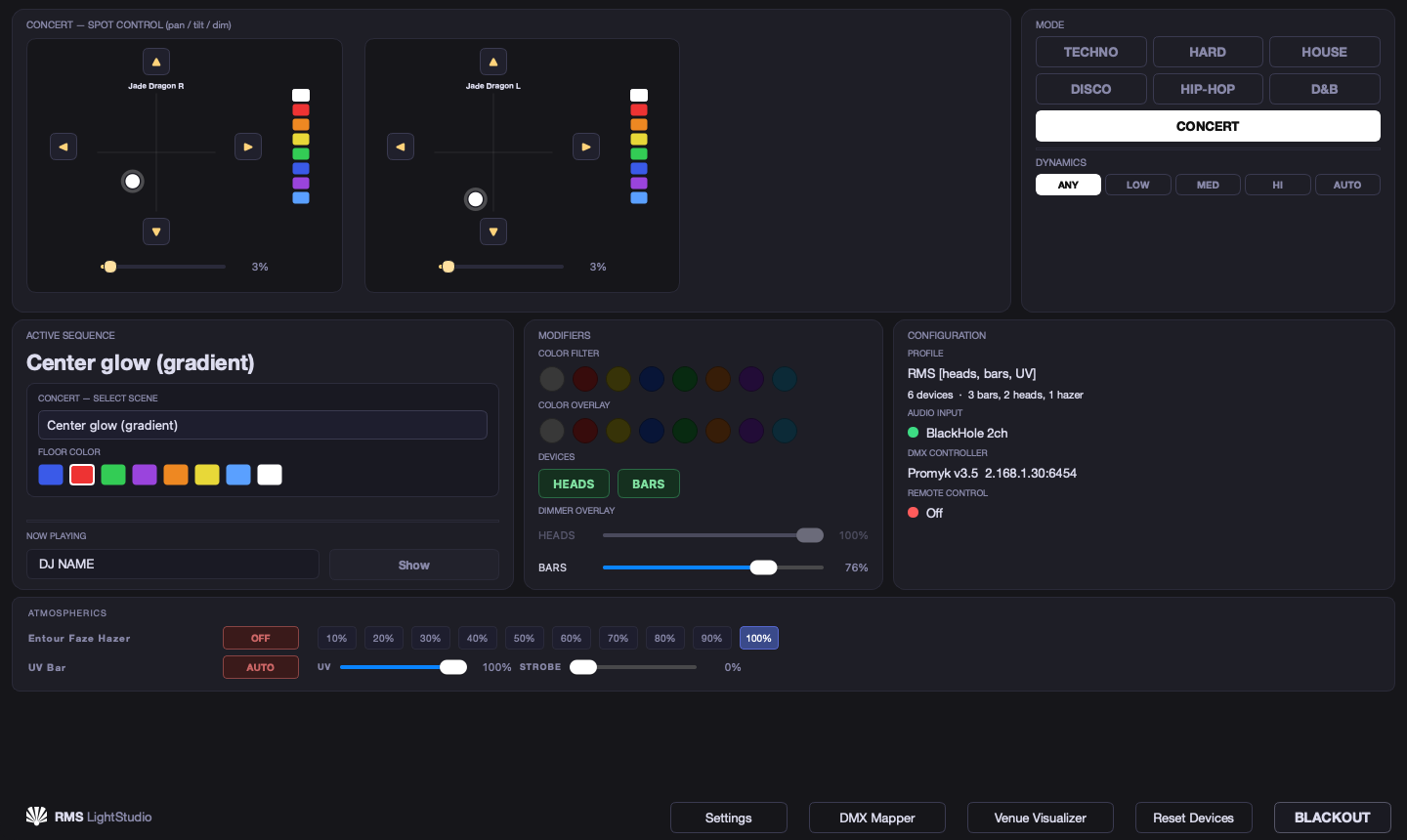
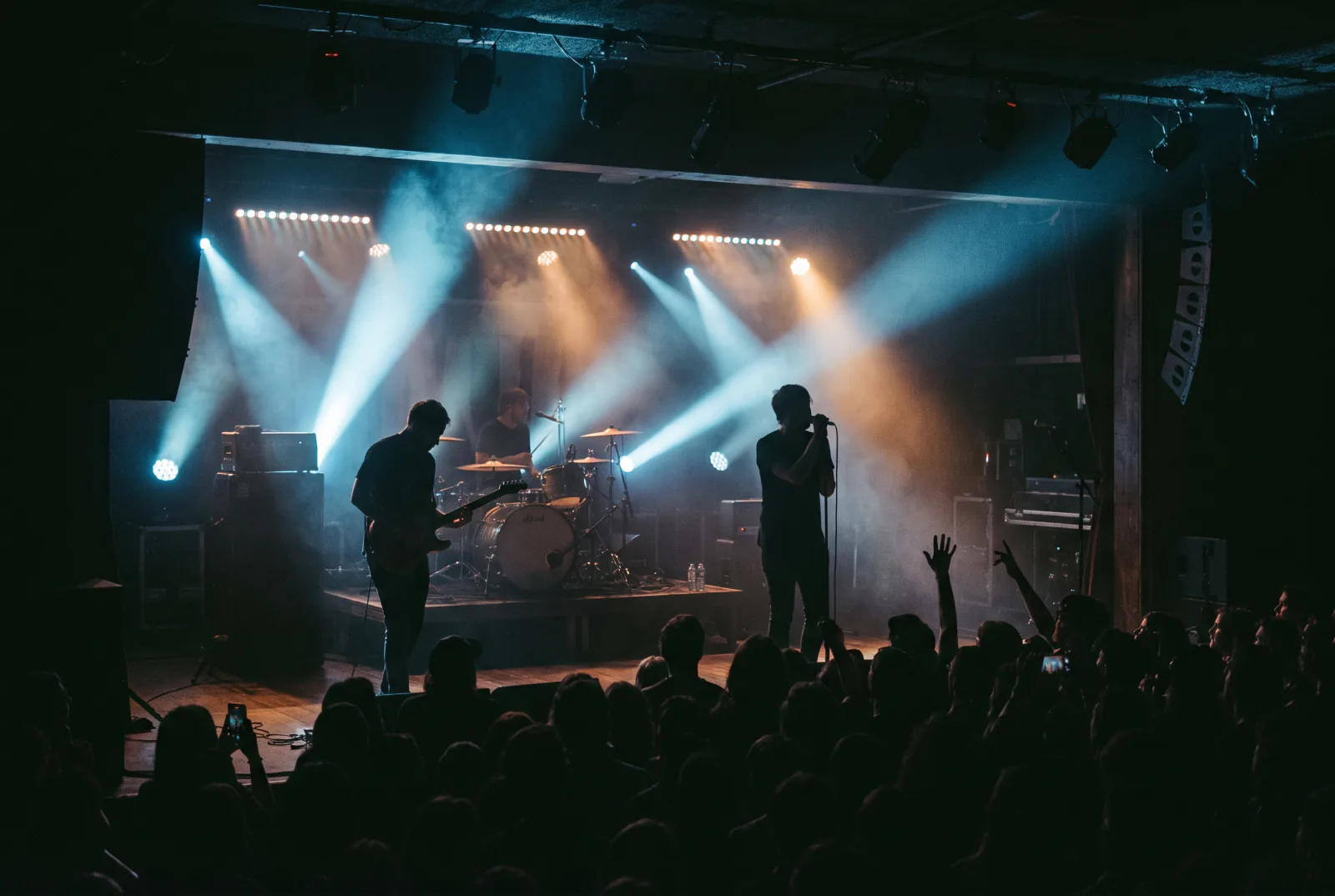
The one mode that does not listen: the analysis stops and you set the lighting by hand - heads on a joystick, bars, PARs and every other fixture.
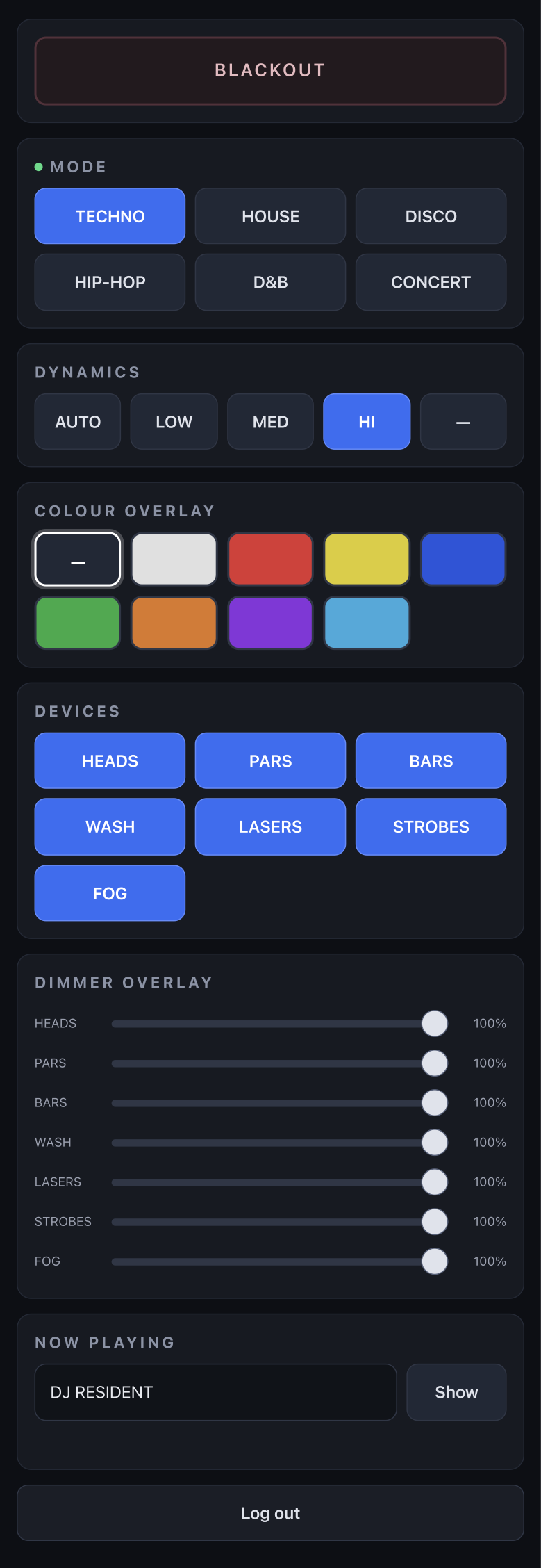
Control from a phone or a tablet: mode, dynamics, colour, brightness, muting whole fixture groups, the DJ's name and blackout. All it needs is the same Wi-Fi as the Mac - no extra hardware, nothing to install.
You pair a mobile device by scanning a QR code or entering a PIN. Everything runs over Wi-Fi, and the connection between the devices is encrypted.
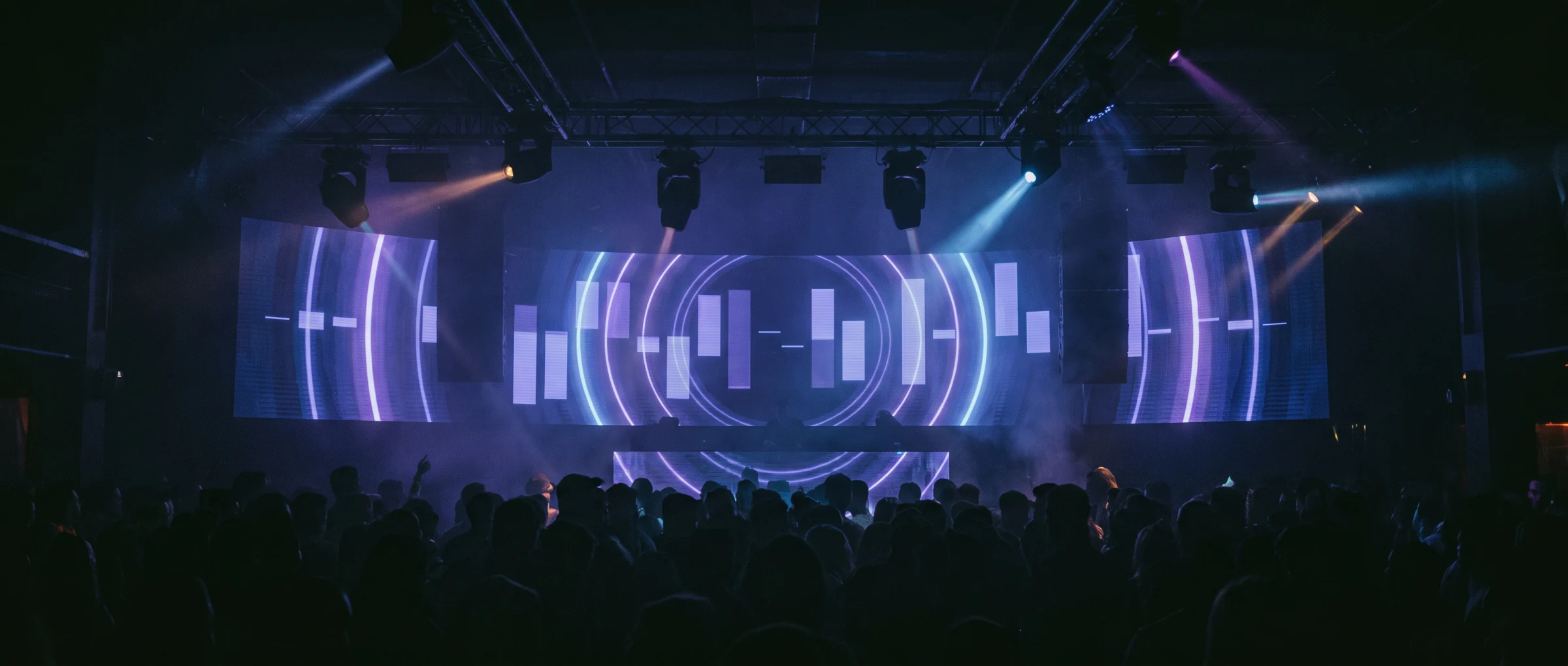
The same engine that drives the rig also drives the screen. Over 50 built-in visuals react to the audio in the venue, and the video clips you add are looped and synchronised to the music - so the wall behind the DJ hits the same beat as the lighting.
Built in and driven by the same analysis as the lighting, so they move to the rhythm rather than on a timer. The library keeps growing with every update.
Drop in video the venue already has, and the system syncs it to the music and turns it into stunning loops.
The venue's mark, a promoter's, a sponsor's - whatever the night calls for. Or a banner with the name of the DJ currently playing? All of it can appear on screen at intervals. In time with the music, of course.
Universal profiles across manufacturers.
One-time setup from within the app. The sequences play on your fixtures.
Up to 30 days without internet.
QR code, a PIN-protected and fully encrypted connection.
Audio-reactive effects, your clips played in time with the track. Club logo, branding for the event and more.
No audio analysis. The whole rig controlled by hand.
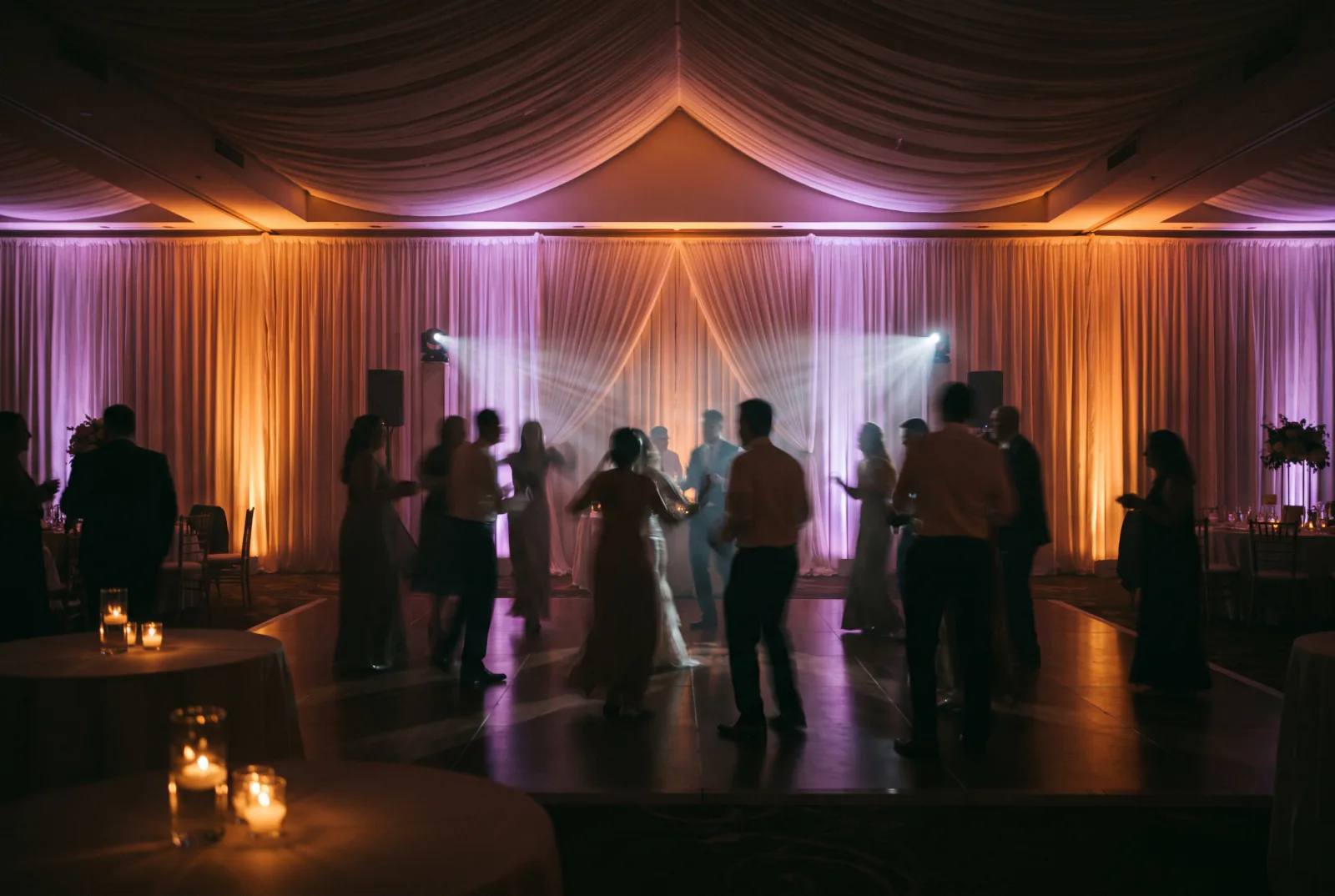
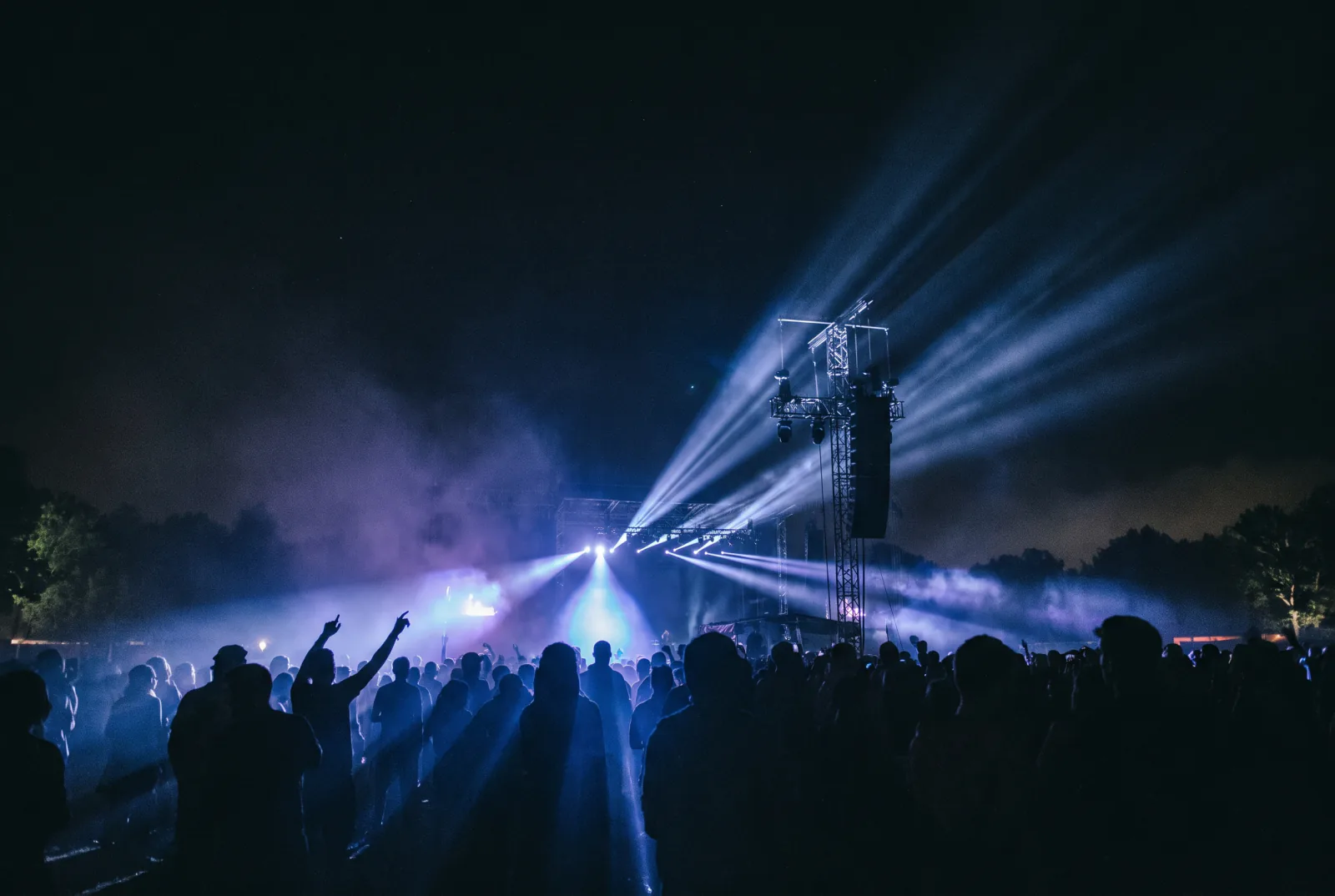
One licence is one workstation - one Mac running the app, driving one dance floor at a time. On top of that: automatic updates, offline operation and our support. Deployment is quoted separately and paid once.
Billed monthly. Cancel at any time.
Billed once a year: 2 196 EUR net. You save 552 EUR.
Configuration for your rig, fixture profiles, head calibration and sequences prepared to your requirements. Quoted per venue, paid once.
No. The app listens to the music, recognises the tempo and the section of the track, then picks the sequences itself. When a live band plays, you switch to CONCERT mode and control the lights by hand.
Any DMX fixture: moving heads, lasers, PARs, bars, hazers and smoke machines. Universal profiles work across manufacturers, so there is nothing extra to buy.
A Mac with an M1 chip or newer, any Art-Net interface on the network and the venue's sound on an audio input.
No. For stability and reliability, RMS LightStudio runs only on Macs with Apple silicon (M1 or newer).
No. The app reads tempo and beat straight from the audio - 86 times a second, accurate to a few milliseconds.
It has modes for techno, hard techno, house, disco, hip-hop and drum & bass - each one reads the music on its own terms. A separate mode, CONCERT, is for manual control at live shows. The app is under constant development, and new modes arrive with updates.
Yes, for up to 30 days. The internet is only needed to refresh the subscription status and download updates.
Yes. You pair a phone or tablet on the same Wi-Fi as the Mac with a QR code or a PIN - nothing to install, and the connection is encrypted.
The monthly subscription is 229 EUR net; the annual one is 183 EUR net per month (2 196 EUR billed once a year). One licence covers one workstation. Deployment is quoted separately and paid once.
Any questions or concerns? Use the form below. We work Monday to Friday and reply within 24 hours.
We have received your message. We will read it and get back to you as soon as possible.